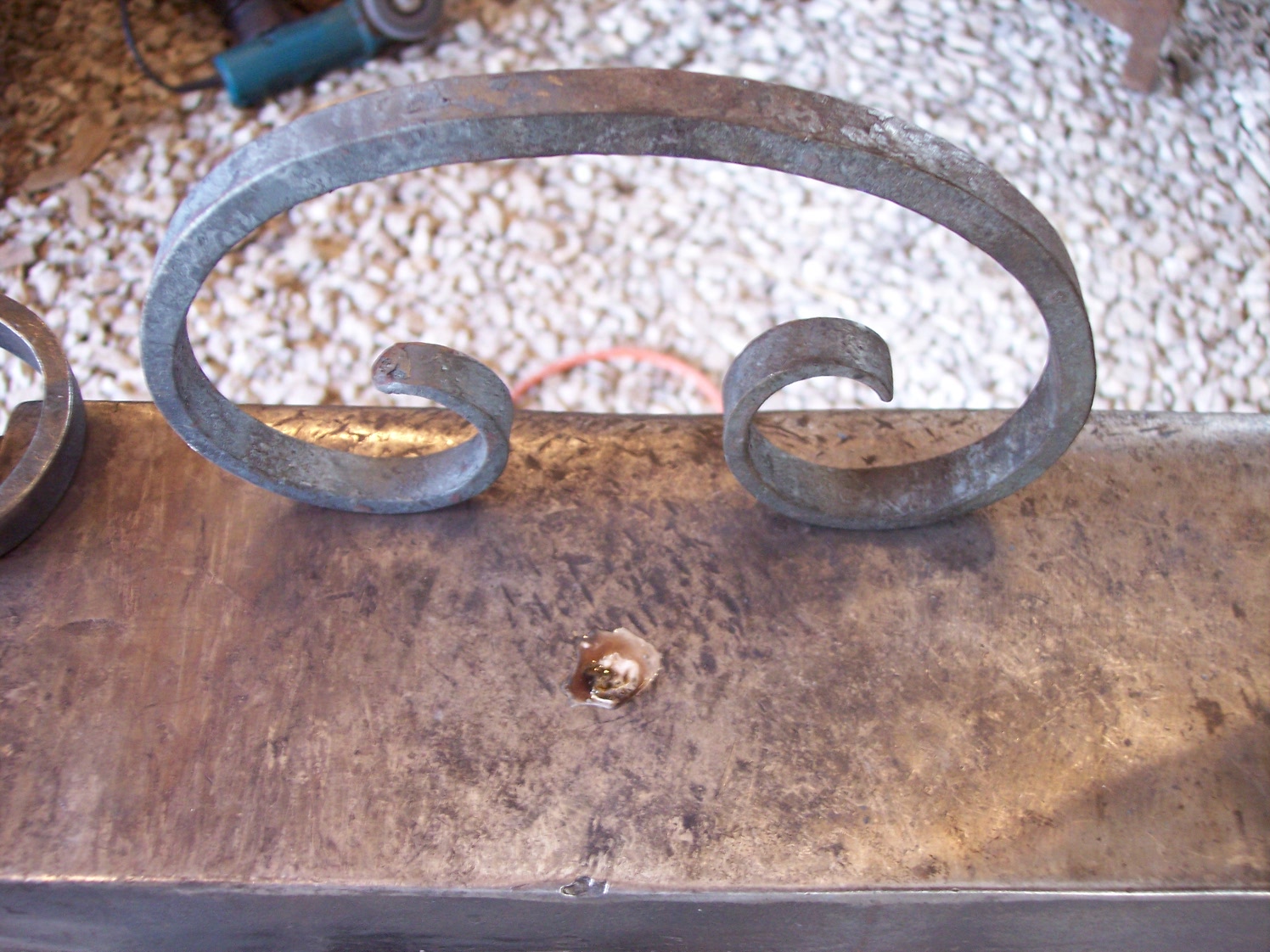
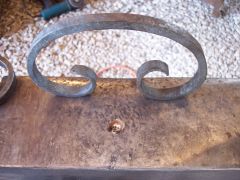
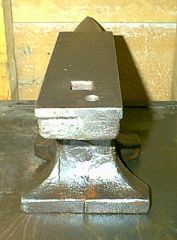
this is what happens when you take too long of a lunch Share https://www.iforgeiron.com/gallery/image/18080-this-is-what-happens-when-you-take-too-long-of-a-lunch/ Share on LinkedIn Share on X Share on Facebook {lang="reddit_text" Share via email Share on Pinterest More sharing options... Followers the birds left this for me to deal with after my lunch break, look on the anvil under the c scroll. At least it was not on my hammer handle. I think I will start putting a lid on my coffee from now on.

Recommended Comments
Join the conversation
You can post now and register later. If you have an account, sign in now to post with your account.