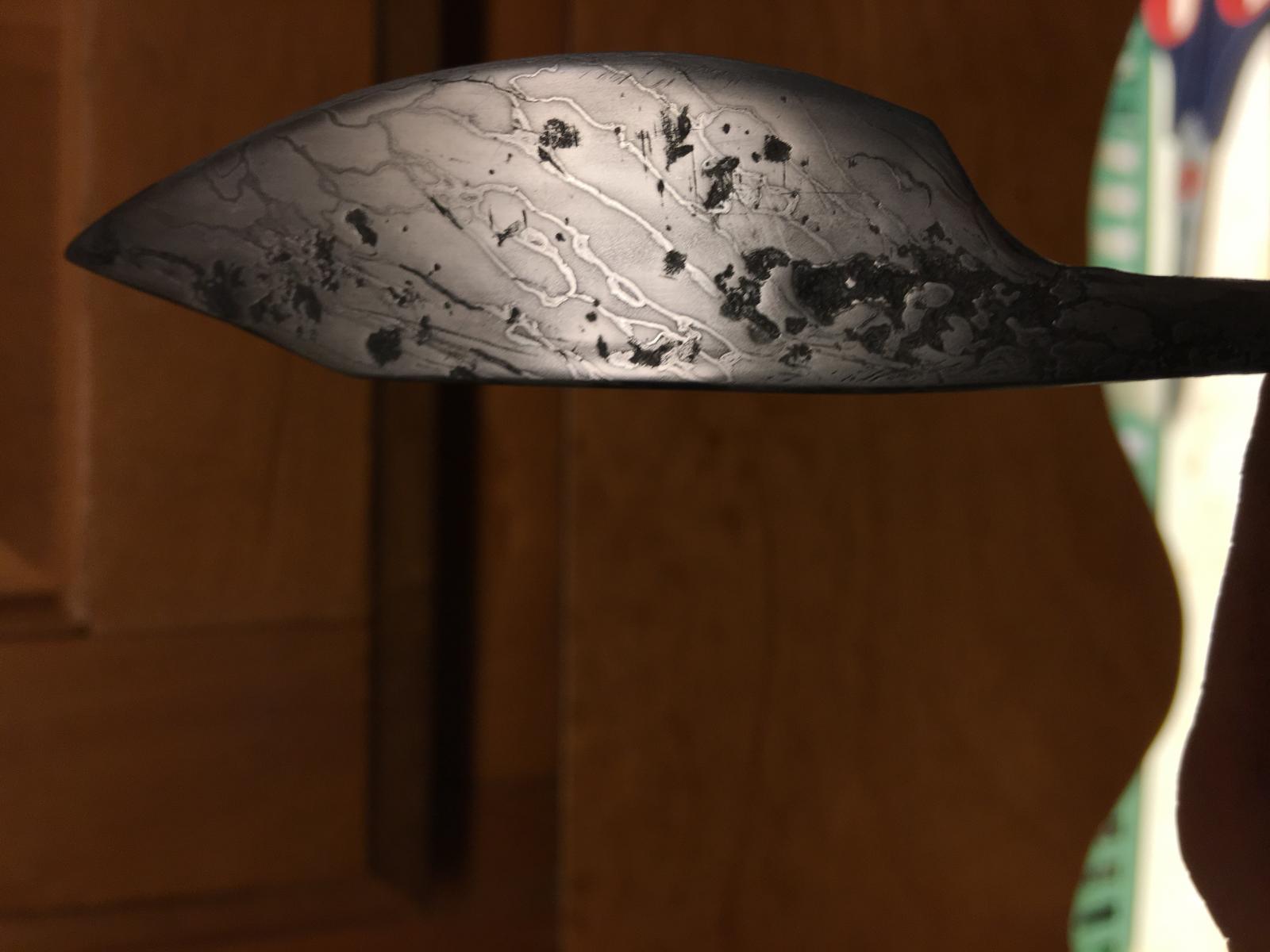
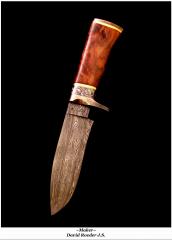
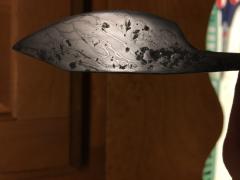
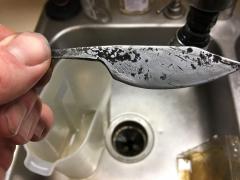
Pattern welded cable blade 002 damascus × forge weld × small blade × first forge weld × Share https://www.iforgeiron.com/gallery/image/39526-pattern-welded-cable-blade-002/ Share on LinkedIn Share on X Share on Facebook {lang="reddit_text" Share via email Share on Pinterest More sharing options... Followers My first forge welding experiment: a small blade. Metal salvaged from discarded hank of ancient wire cable from the local lake. Spark tested well, and seems to hold a good edge! Credit Merrick Copyright © Merrick_Hard 2016
.jpg.86d5b40deb66cc6061558d771766ecd9.jpg)
.jpg.75a5e41d5742d75d4f3d01463106665d.jpg)

Recommended Comments
Join the conversation
You can post now and register later. If you have an account, sign in now to post with your account.