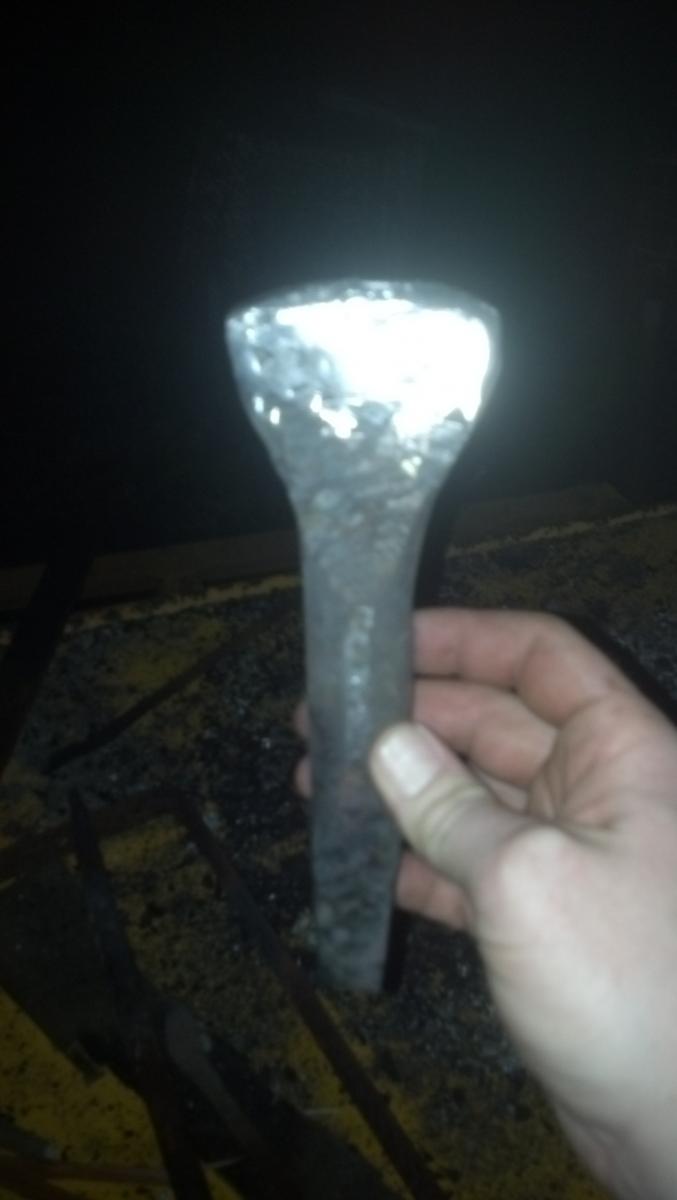
My first hot cut Share https://www.iforgeiron.com/gallery/image/39358-my-first-hot-cut/ Share on LinkedIn Share on X Share on Facebook {lang="reddit_text" Share via email Share on Pinterest More sharing options... Followers This was my first attempt at forging a hot cut. Intended for use in a vise it isn't pretty but will hopefully work for the time being. One valuable lesson was learned; forge the taper BEFORE working on the blade!
Forging Carver Members February 17, 201610 yr Author stats Pretty good work. Hot cuts can be hard to forge especially for a beginner. I tried twice, and eventually just bought myself a hand forged one when I got my hammer. I give you credit for all that pounding. Nice job
Recommended Comments
Join the conversation
You can post now and register later. If you have an account, sign in now to post with your account.