bottle openers

- 2,878 views
- View ThorsHammer82's images
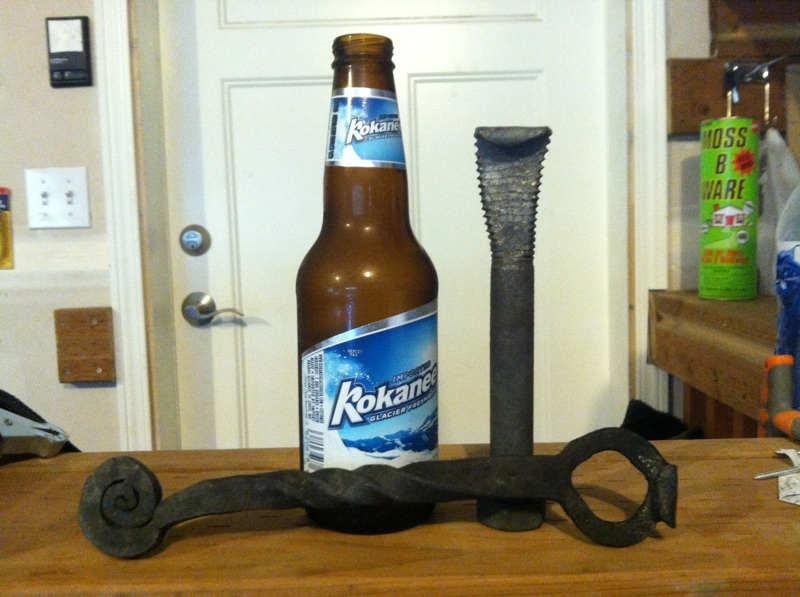
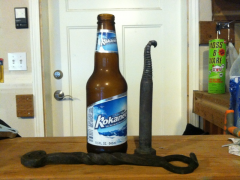
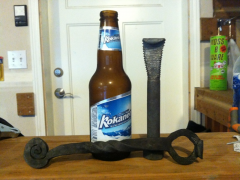
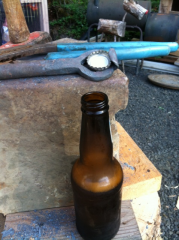
I made two bottle openers today. The lower one was the first one made, and it will be mine. It was made from 5/8" round bar. I cut and drifted the hole. added the scroll and than heated and twisted the handle. I don't have a vice yet. the twist was done by hand with a set of channel locks and a crecent wrench so it wasn't anywhere close to straight but I got it straightened out pretty well. The second one is a gift for the quarry owner I got my anvils from and a lot of metal stock. It's a bolt that I got from him. and it's nothing fancy, but he's not really the fancy type of guy anyway.
Recommended Comments
Join the conversation
You can post now and register later. If you have an account, sign in now to post with your account.