Skip to content
View in the app

A better way to browse. Learn more.

I Forge Iron

A full-screen app on your home screen with push notifications, badges and more.

To install this app on iOS and iPadOS
  1. Tap the Share icon in Safari
  2. Scroll the menu and tap Add to Home Screen.
  3. Tap Add in the top-right corner.
To install this app on Android
  1. Tap the 3-dot menu (⋮) in the top-right corner of the browser.
  2. Tap Add to Home screen or Install app.
  3. Confirm by tapping Install.

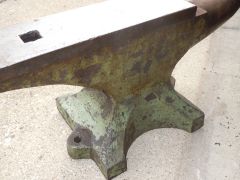
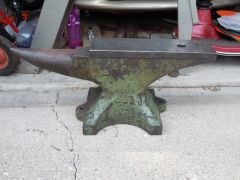
it followed me home....

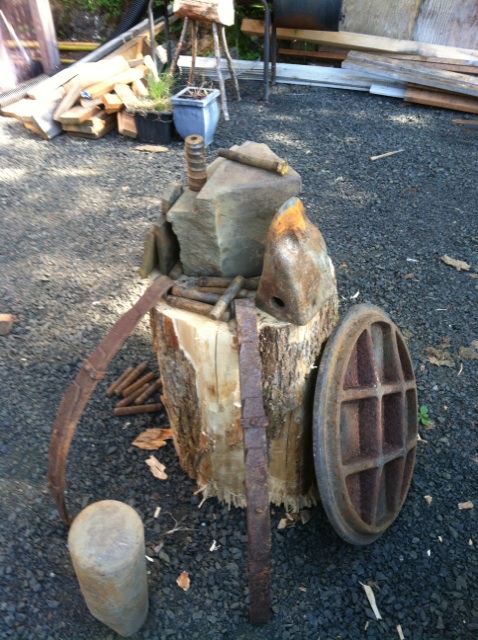
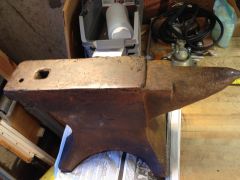
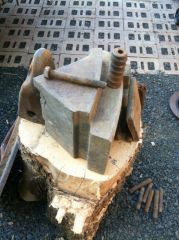
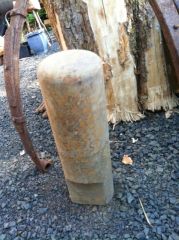
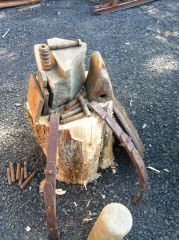
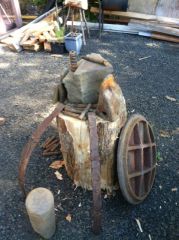
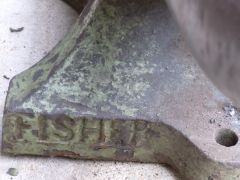
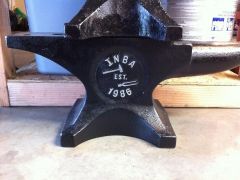
This is what followed me home from my private tour of a local rock quarry where I got to raid the scrap pile at no cost to me. three anvil type items, a tooth from an excavator bucket that I'm going to used as a hardy type item and lots of metal to beat on. a pair of trailer springs, and a dozen pins that are used to hold the bucket teeth on. and some 5/8" plate. I will use the manhole cover as a third anvil type item as it's got lots of good angles and surfaces.

  • From the category:

    Anvils

    · 442 images

    Account

    Navigation

    Search

    Search

    Configure browser push notifications

    Chrome (Android)
    1. Tap the lock icon next to the address bar.
    2. Tap Permissions → Notifications.
    3. Adjust your preference.
    Chrome (Desktop)
    1. Click the padlock icon in the address bar.
    2. Select Site settings.
    3. Find Notifications and adjust your preference.