Workbench3

By Mike Ameling
- 1,834 views
- View Mike Ameling's images
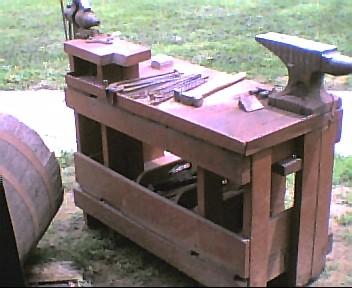
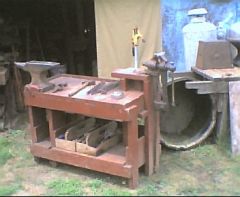
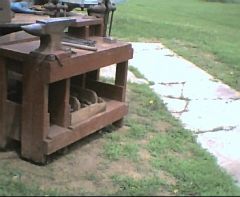
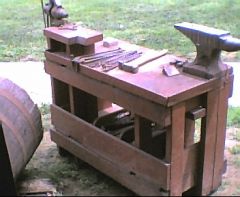
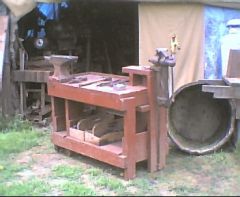
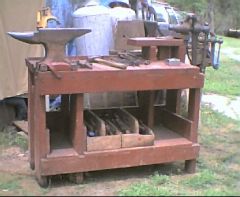
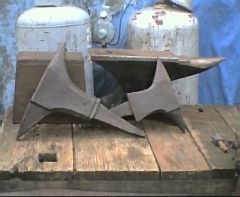
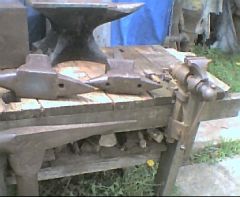
My workbench - with a 72# Haybudden on one end and a 3 1/2 inch Indian Chief post vice on the other corner. I designed it for traveling for demonstrations, but it is my main work anvil in the shop. The bench is 26" high with the anvil face being 35" high - so I don't have to bend over so much doing little work. The bench is 40" long by 20" wide. 2x4 framework and top working surface. The 2x4's are doubled at each end - 4 directly under the anvil plus two more on the off side. And four to support the vice mount. 1x6's form the shelf/sides on 2x4 cross braces. Yes, I mark the off side of my anvil with inch marks using soapstone. This is my quick reference for drawing steel out to the right lengths.
Recommended Comments
Join the conversation
You can post now and register later. If you have an account, sign in now to post with your account.