



Skip to content
View in the app

A better way to browse. Learn more.

I Forge Iron

A full-screen app on your home screen with push notifications, badges and more.

To install this app on iOS and iPadOS
  1. Tap the Share icon in Safari
  2. Scroll the menu and tap Add to Home Screen.
  3. Tap Add in the top-right corner.
To install this app on Android
  1. Tap the 3-dot menu (⋮) in the top-right corner of the browser.
  2. Tap Add to Home screen or Install app.
  3. Confirm by tapping Install.

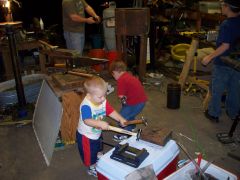
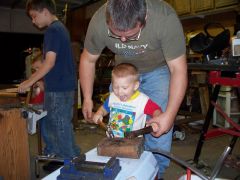
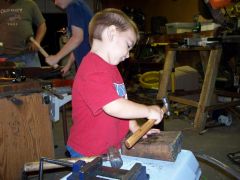
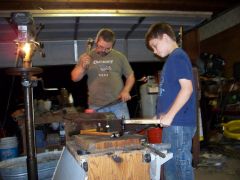
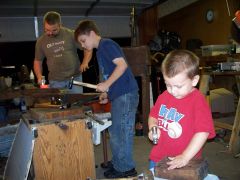
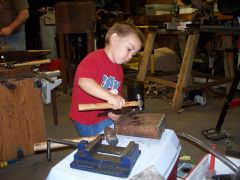
Jonathan with his wall hook.

This is Jonathan, a young man of about 8 years who is very excited about hitting things with a hammer! Especially if it is red hot! With a lot of guidance and a few examples he forged his first wall hook complete with a rat-tail loop and a place to drill the 2 screw holes (I ran the drill press fro those) and is ready to screw it to a wall somewhere to hang his stuff on! Kids are so much fun!

  • From the album:

    KidSmiths

    · 24 images

    Account

    Navigation

    Search

    Search

    Configure browser push notifications

    Chrome (Android)
    1. Tap the lock icon next to the address bar.
    2. Tap Permissions → Notifications.
    3. Adjust your preference.
    Chrome (Desktop)
    1. Click the padlock icon in the address bar.
    2. Select Site settings.
    3. Find Notifications and adjust your preference.