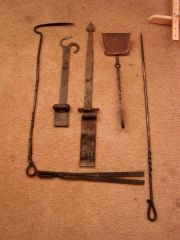
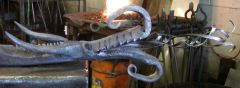
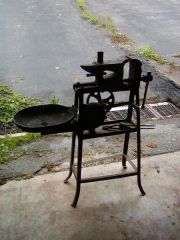
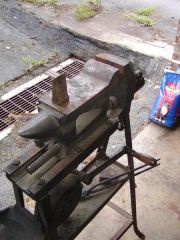
New Forge - Under Construction - Sep 2007

By MooseRidge
- 2,475 views
- View MooseRidge's images
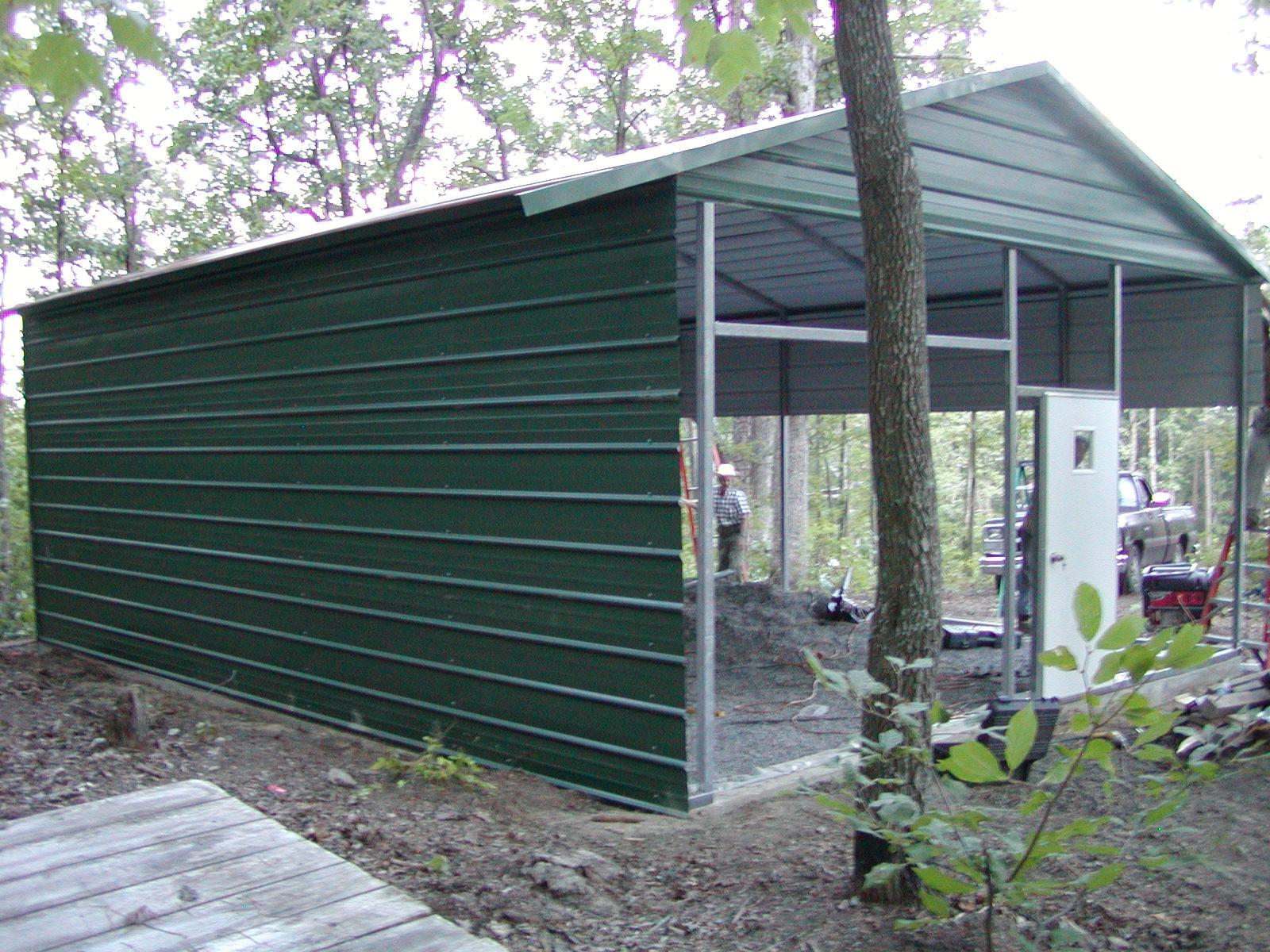
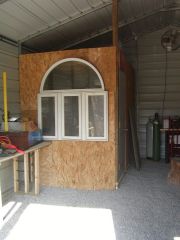
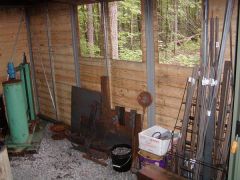
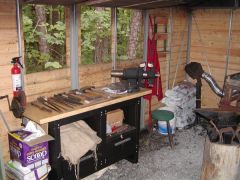
The new forge building is complete. It is 20'x24', 8' walls, 11' peak. Metal construction with packed gravel floor. 7'x9' roll-up door & 1 standard door. Several items have been installed: 6'x8' Glass Room with workbench(for warm glass work - bead-making, fusing, etc) workbench with storage for long stock(continues into glass room under glass room bench) Stump - 3.5' diameter x 3' tall - imbedded in ground (anvil and swage block base) Wire Crate - for scrap stock Exhaust Fan Items on site but not installed/ positioned - workbench with vise, grinder, drll press, grinder table, side-draft forge, slag tub, & 3'x6' jig/welding/layout table. Items pending - Tire Hammer, Treadle hammer, hammer/tong rack, & Propane forge
Recommended Comments
Join the conversation
You can post now and register later. If you have an account, sign in now to post with your account.