layout table

- 2,553 views
- View steponmebbbboom's images
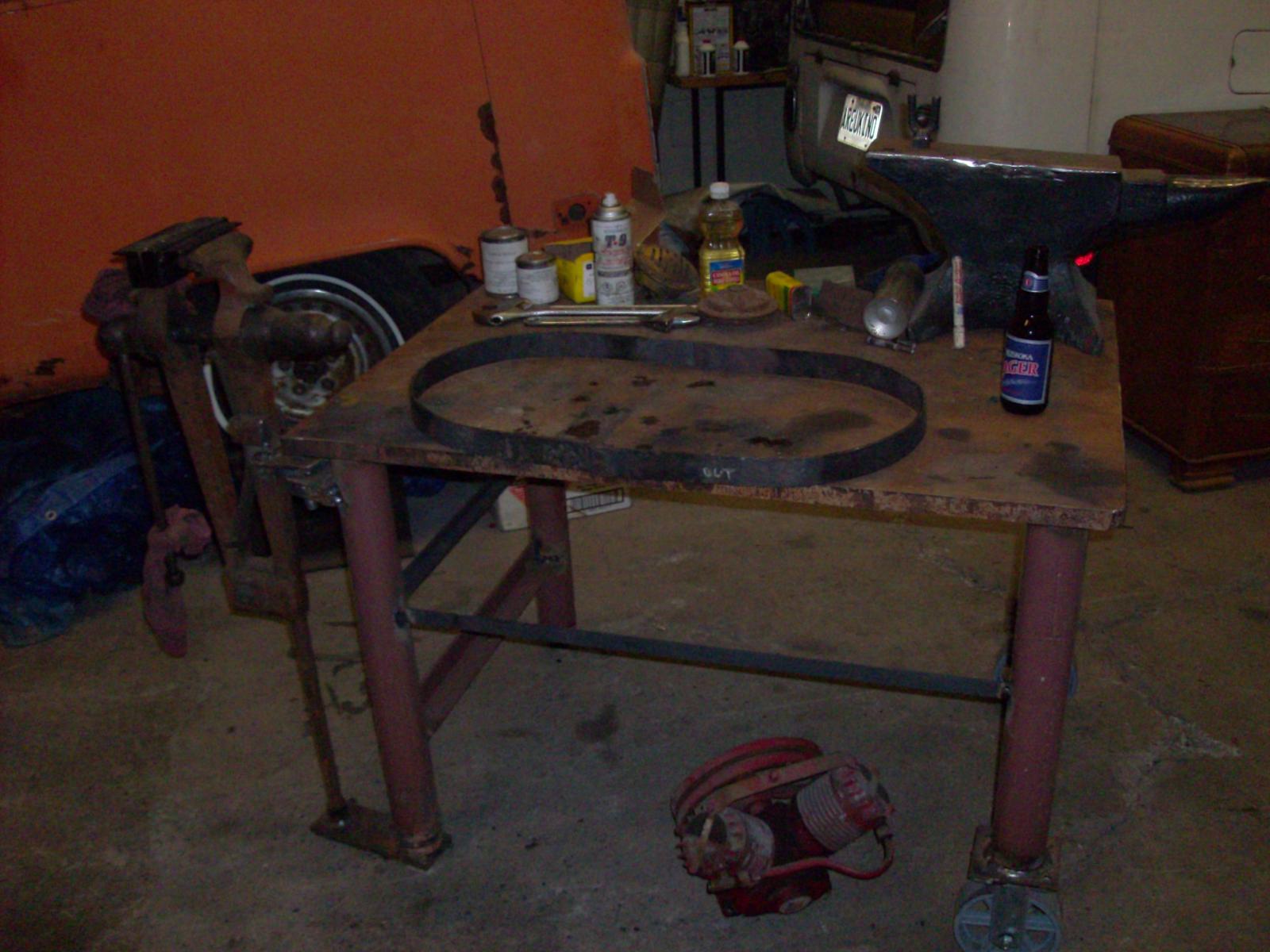
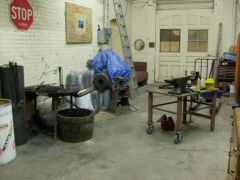
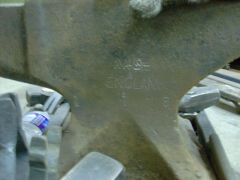
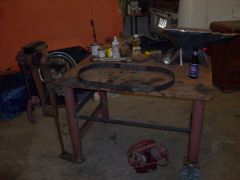
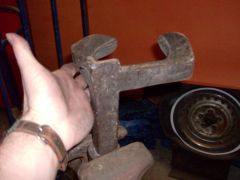
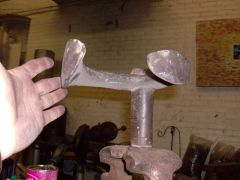
this layout table incorporates a one inch thick steel top, leg braces that double as a shelf support, heavy duty casters, an additional brace on the opposite end to be used with a coupling dolly and one leg has an adjuster bolt to allow for variations in floor surface up to two inches. the post vise is removeable, the strap has been modified to bolt to an upper mount with a 90 degree swivel so the entire vise can be twisted and solidly locked in place, or completely removed if required. the anvil pictured is of unknown origin, it is very crudely cast with a top plate welded to it; it is cracked and useless. the hoop in the center of the table is the beginnings of a pot-rack.
Recommended Comments
Join the conversation
You can post now and register later. If you have an account, sign in now to post with your account.