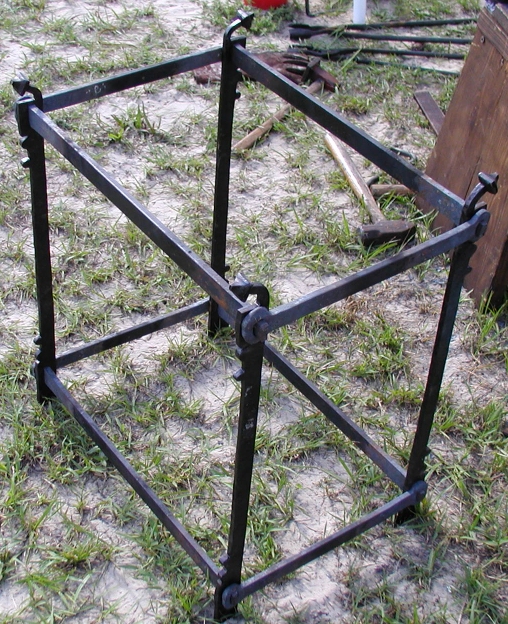
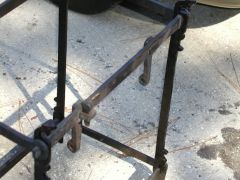
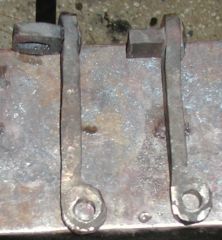
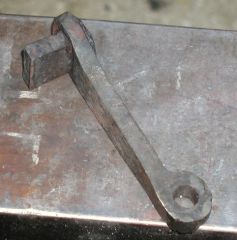
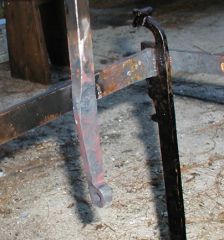
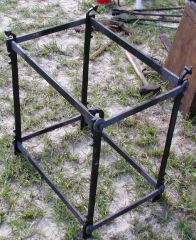
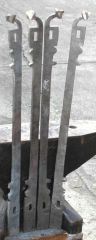
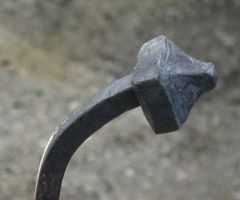
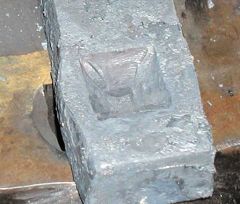
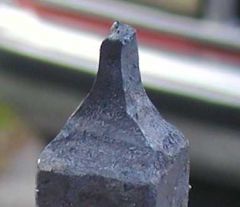
Clock frame Share https://www.iforgeiron.com/gallery/image/18355-clock-frame/ Share on LinkedIn Share on X Share on Facebook {lang="reddit_text" Share via email Share on Pinterest More sharing options... Followers This is the frame for the medieval clock I am working on. The frame is not actually firmly together yet. The tenons on the corners will be peined over to secure the frame. I need to do a bit more work to the frame before I secure it togehter.

Recommended Comments
Join the conversation
You can post now and register later. If you have an account, sign in now to post with your account.