Cory
Members
-
Joined
-
Last visited
-
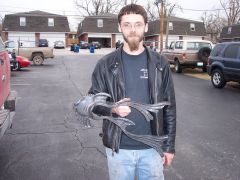
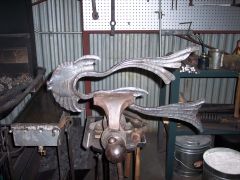
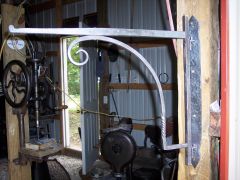 fireplace crane done with traditional joinery, rivited
 -
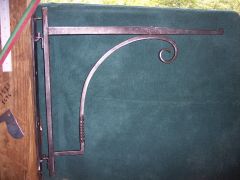 fireplace crane I started yesterday and finished this morning
 -
-
-
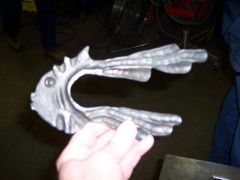
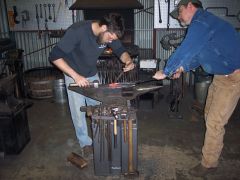 Tim the meeting host (in the blue shirt) and joe, sorry joe forgot your last name making the fish
 -
 BAM meeting photos Tim & Mindy Johnson ornamental blacksmithing shop , Springfield Mo.
 -
-
-
-
-
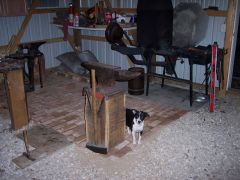
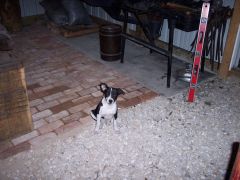
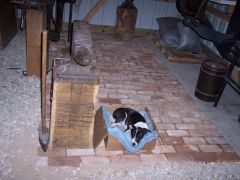
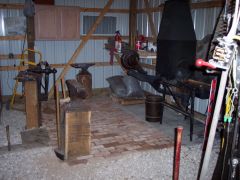 start of my new shop floor - 200 bricks with about 1000 left to lay.
 -
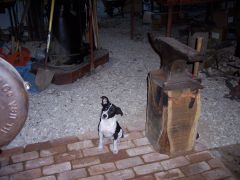
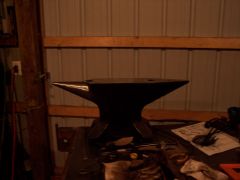 new european style anvil I won at this years BAM Missouri blacksmith conference, 175 LB. euroanvil
 -
-
-
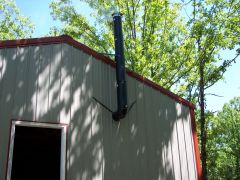
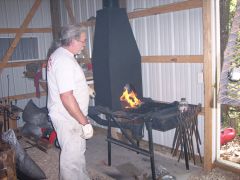
I just finished making a side draft hood that sits on the end of my Canady Otto forge. I made the hood frame from 1 inch angle iron and covered with 16 gauge sheet metal. Went out the side of the pole building with 8 inch pipe. Once the flue gets warm ( burn a wad of newpaper to heat the flue) it will suck the fire sideways into the flue with a man door open just to the end of the forge and a 10x10 sliding door wide open. I am posting pictures in the gallery, they are to big to post here.